See the whole loop
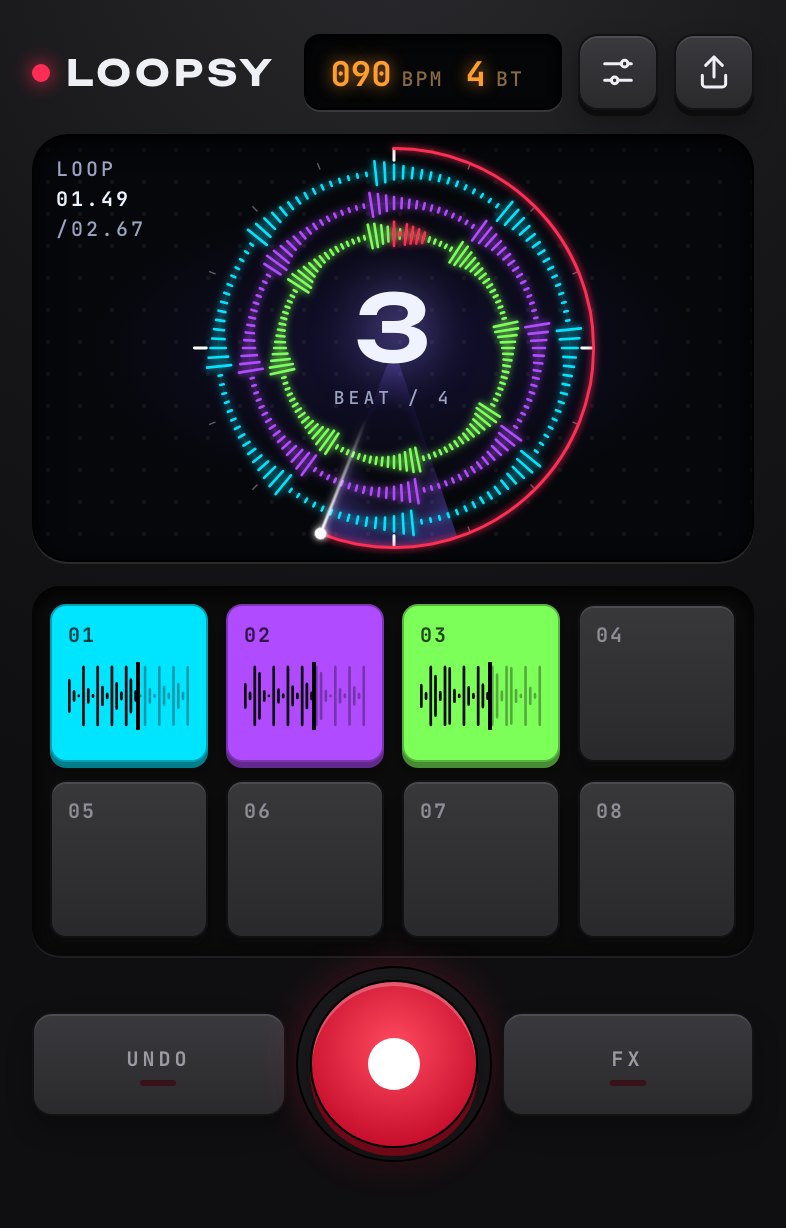
Every layer is drawn as a ring of its own waveform, with a hand sweeping round so you always know where the beat is.
REC A voice looper for iPhone and the web
Hum a bass line, tap the big red button, and it plays forever. Add a beatbox on top, then a melody, then a silly robot voice. In a minute you have a whole song, and every sound in it is you.
FREE IN YOUR BROWSER. IPHONE APP COMING SOON.
How it works
Simple enough for a seven-year-old. Deep enough to keep a grown-up busy.
Tap the red button. A count of four, then sing, hum, clap or beatbox for one loop.
It loops straight away. Tap again to add another layer in time with the first. Up to eight.
Tap a pad to mute it. Hold it to autotune that voice, or turn it into a robot, a chipmunk or a cave echo.
What's inside
The controls you'd find on a hardware looper, laid out so you can see everything at once.
Every layer is drawn as a ring of its own waveform, with a hand sweeping round so you always know where the beat is.
A count of four before your first take, and every new layer starts exactly at the top of the loop.
Each layer lights up its pad and shows its playhead moving through the waveform. Tap to mute, hold for effects.
Pick 60 to 160 beats a minute and a loop of 4, 8 or 16 beats before you start.
Didn't like that take? Undo it. Your loop is saved on the phone, so it's still there tomorrow.
Mix the whole loop into one sound file and send it to Grandma, or anyone else.
Every sound is you
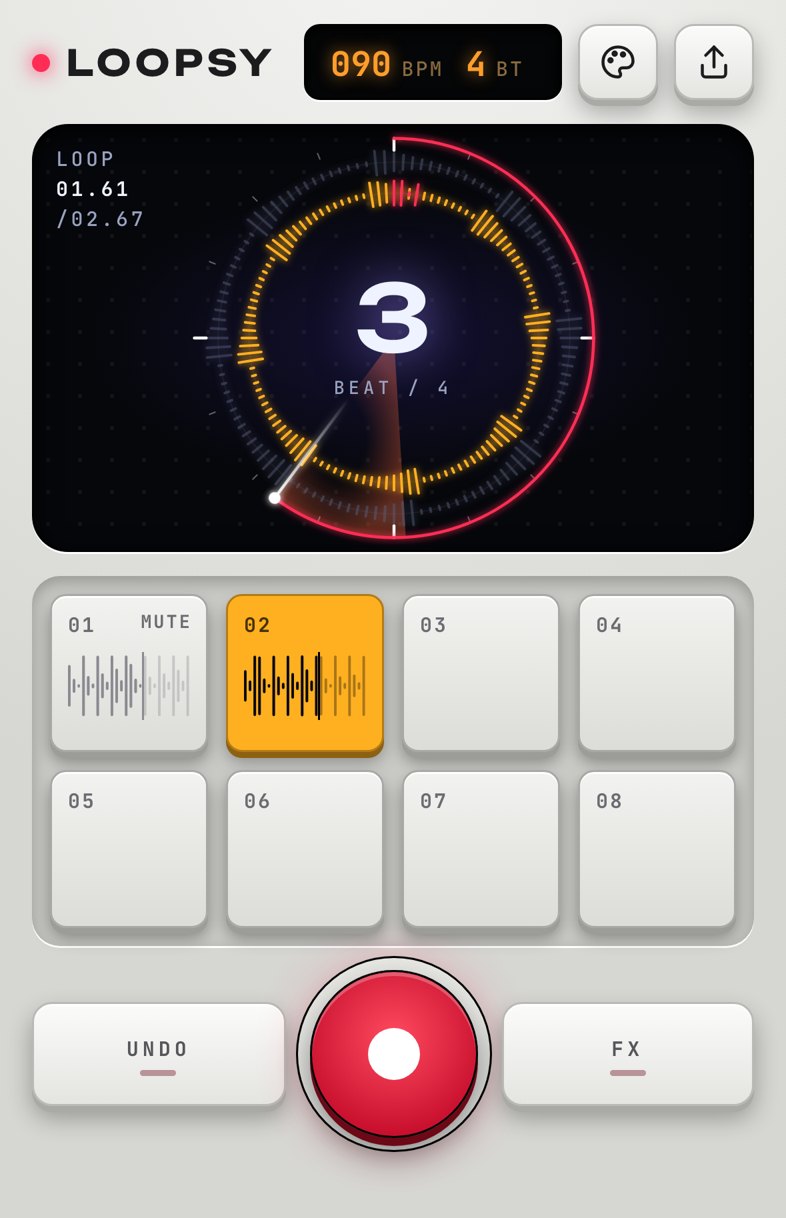
There are no built-in drums or synths. Your mouth is the drum kit, and your voice is the band. Then you bend it with effects and dress it up with colour themes.
Questions
No. Loopsy runs in your browser at loopsy.harfredlabs.com. An iPhone app is on the way too.
Nowhere. They stay on your device unless you choose to share a loop. Read the privacy policy.
Yes. There are no accounts, no ads and no chat. A short tour shows a first-timer how to record, stack, mute and add effects.
That's how it hears you. Loopsy only listens while the red button is recording.
Email harfredlabs@gmail.com, or see the support page.